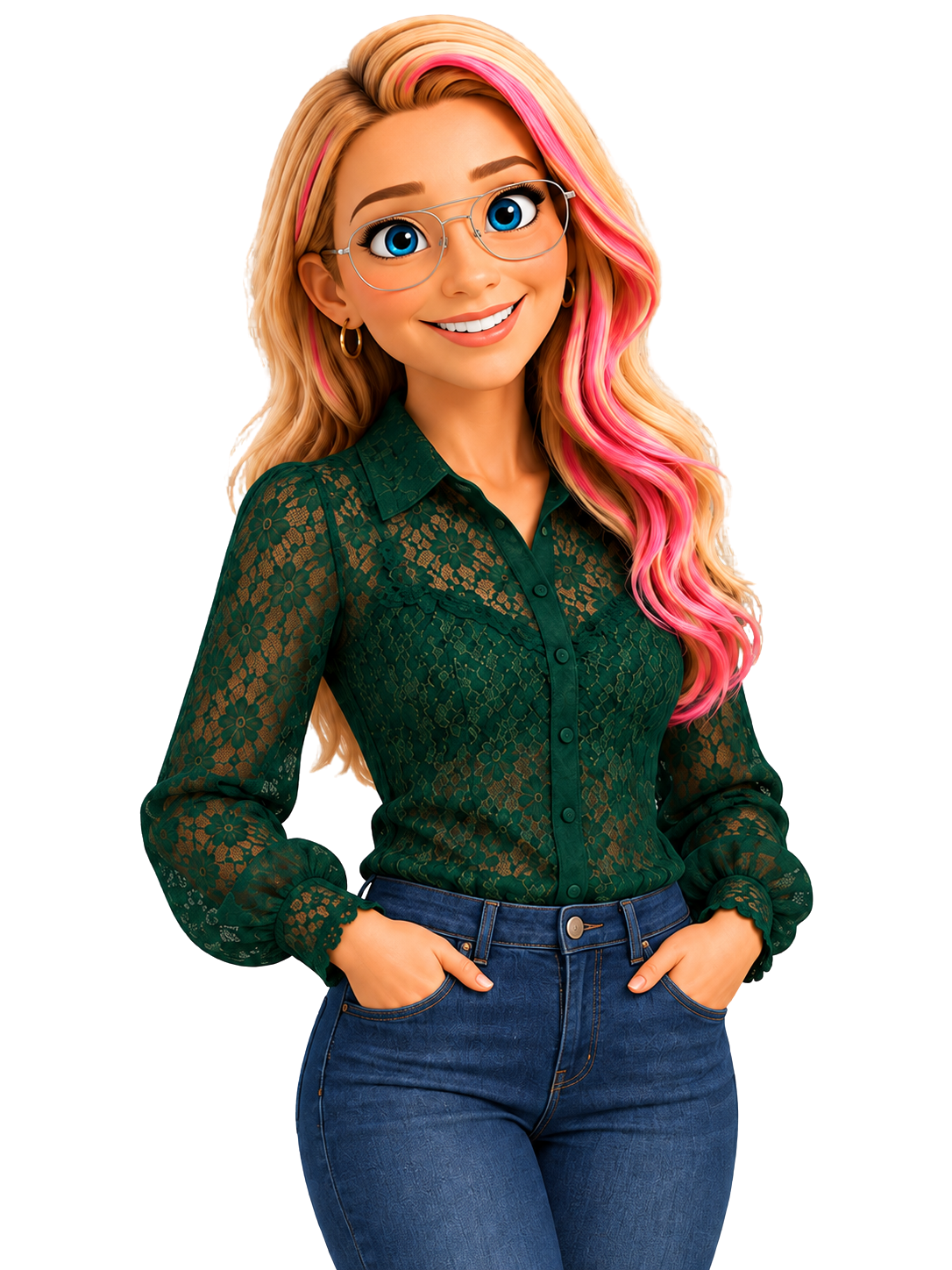
Keep The Shot That Works. Change Only What Doesn't.
Create videos, promos, and commercial content with your AI video twin. Transform footage you already have. Add animated text and design that makes it look produced.
Get instant replay access for $147.
GET THE REPLAY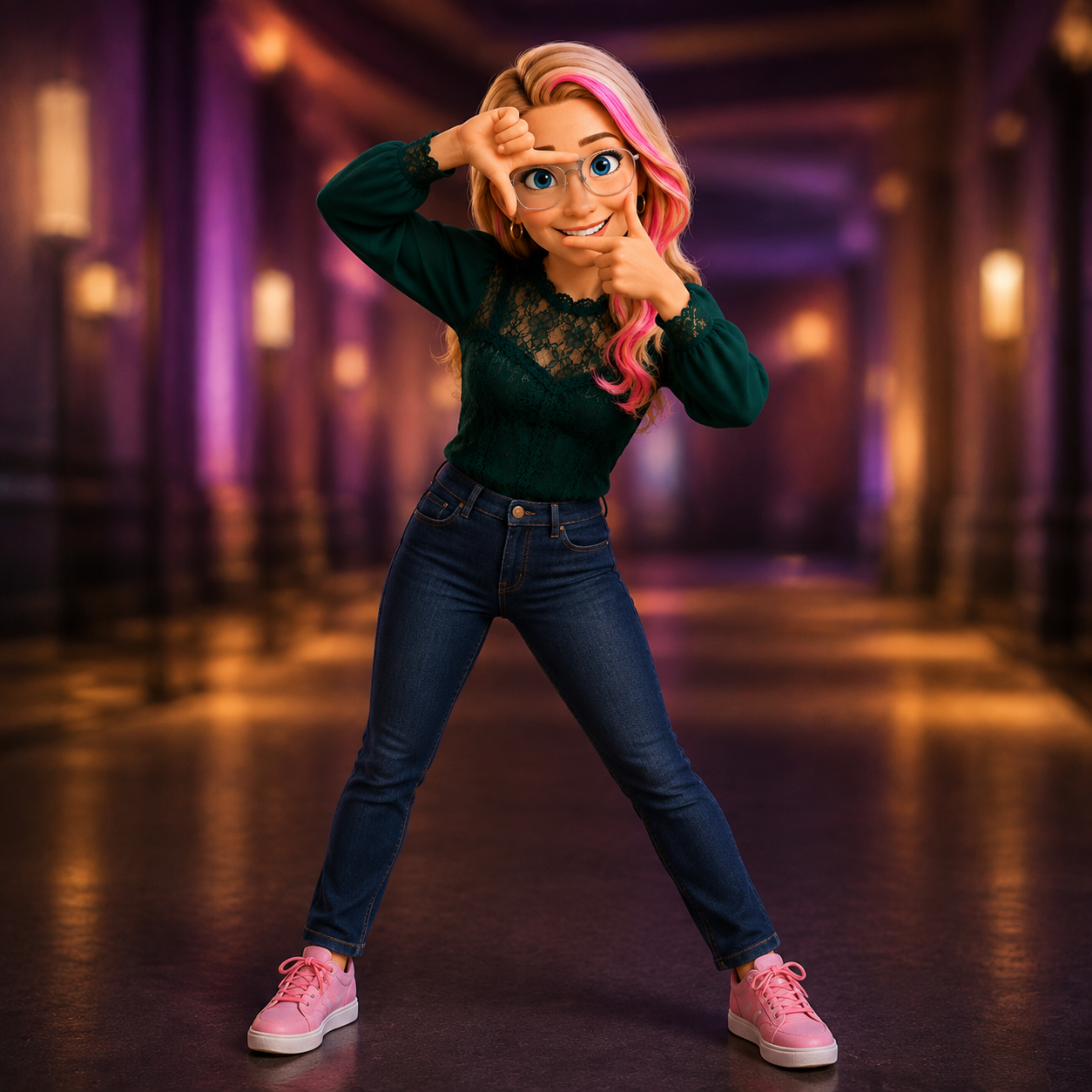
The Footage You Have Isn't The Finished Product.
Most AI video work still looks the same, generate, watch, find the thing that's wrong, generate again. If it's footage you shot yourself, the options are worse, reshoot it, open another piece of software, or live with it.
There's another way. Keep the shot that worked and change the part that didn't. Keep the performance and change the wardrobe. Keep the footage and change the season. Or skip the reshoot entirely and start with your AI video twin.
You can bring footage you shot with a camera. This isn't limited to AI-generated video.
GET THE REPLAYA Next-Level AI Video Class for Creators Ready to Take Control of Their Footage
You've probably already generated an AI video. Perfect. This is what comes next.
Content creator? You'll learn how to turn yourself and your existing footage into more content without constantly starting from scratch.
Business owner or marketer? You'll learn how to create promos, product videos, and commercial-looking content with more control over what appears on screen.
Producing for clients? Bring the hard one. The drifting character. The effect you couldn't reproduce. The shot you couldn't fix without starting over.
And yes, you can bring footage you shot with a camera. It doesn't have to start with AI. It can be the product demo you filmed last summer. The talking-head clip you shot on your phone. The footage where everything worked except the background. The shot you wish you'd framed differently.
AI-generated or camera-shot, the directing question is the same: what do you want to keep? And what do you want to change?
Everything Included in This Training
AI Video Twin Training
Work with your AI video twin as more than a talking head, creating promos and commercial content without reshooting.
CRAFT Framework
Five ways to think about changing a shot, Cut, Replace, Add, Frame, Tone, so you protect what works and direct what needs to change.
Spark5CRAFT Custom Skill
Eve's custom skill for turning your direction into a structured prompt, compatible with Claude, Manus, or OpenAI Codex.
Animated Text & Design Training
Add titles, callouts, and graphic elements that make a clip feel intentional, not just generated.
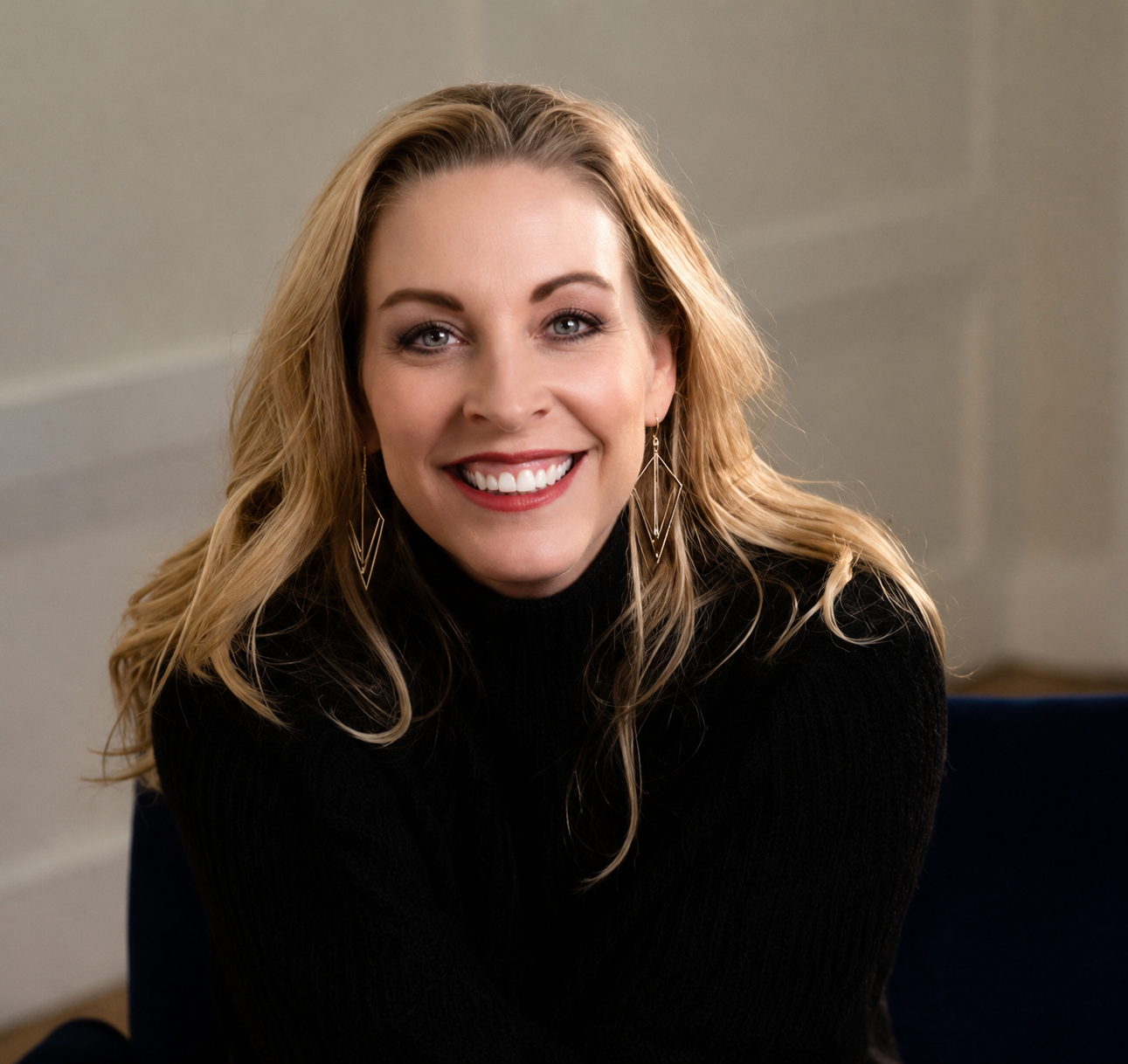
Meet Eve Whitaker
I spent thirty-plus years in Hollywood production, including Sony Pictures Television, Paramount, and MTV, with multiple Addy Awards and a PBS Broadcast Program of the Year credit to my name.
I now teach AI video through VideoSpark.
Almost everyone teaching AI video learned video through AI. I learned it in rooms where the video had to come out right, on deadline, with money on the line.
There's a difference between knowing how to generate an impressive clip and knowing how to make a shot do what the production needs it to do.
This workshop brings that post-production way of thinking to AI. Not a bag of magic prompts to copy. A way to direct.
Get instant replay access for $147.
Watch on your own schedule. Save your seat in the replay now.
GET THE REPLAYWhat You'll Need for the Workshop
- Access to Google's Omni
- Footage you want to work with, AI-generated or shot with a camera
- A compatible AI agent, such as Claude, Manus, or OpenAI Codex, if you want to use Spark5CRAFT
Register for AI Video: Beyond Generation
- Three full sessions, ready to watch anytime
- AI Video Twin, CRAFT Framework & Animated Text training
- Spark5CRAFT custom skill
- Instant Replay Access
Frequently Asked Questions
I've already been making AI video. Is this too basic for me?
No. This starts where generation leaves off. If you've already been generating video, you're exactly where this workshop begins.
Can I use footage I shot myself?
Yes. This isn't limited to AI-generated footage. You can work with existing footage you shot with a camera or phone, as well as footage created with AI.
What exactly is the CRAFT Framework?
CRAFT gives you five ways to think about what you want to do to a shot, Cut, Replace, Add, Frame, Tone. Instead of asking AI to change everything at once, you'll learn to identify the move and control what stays versus what changes.
What do I need for the workshop?
Access to Google's Omni, footage you want to work with, and a compatible AI agent if you want to use Spark5CRAFT. Full prep details will be provided before Day 1.